How it works
From the party link in your group chat to the front door. No app to download.
Tap the party link
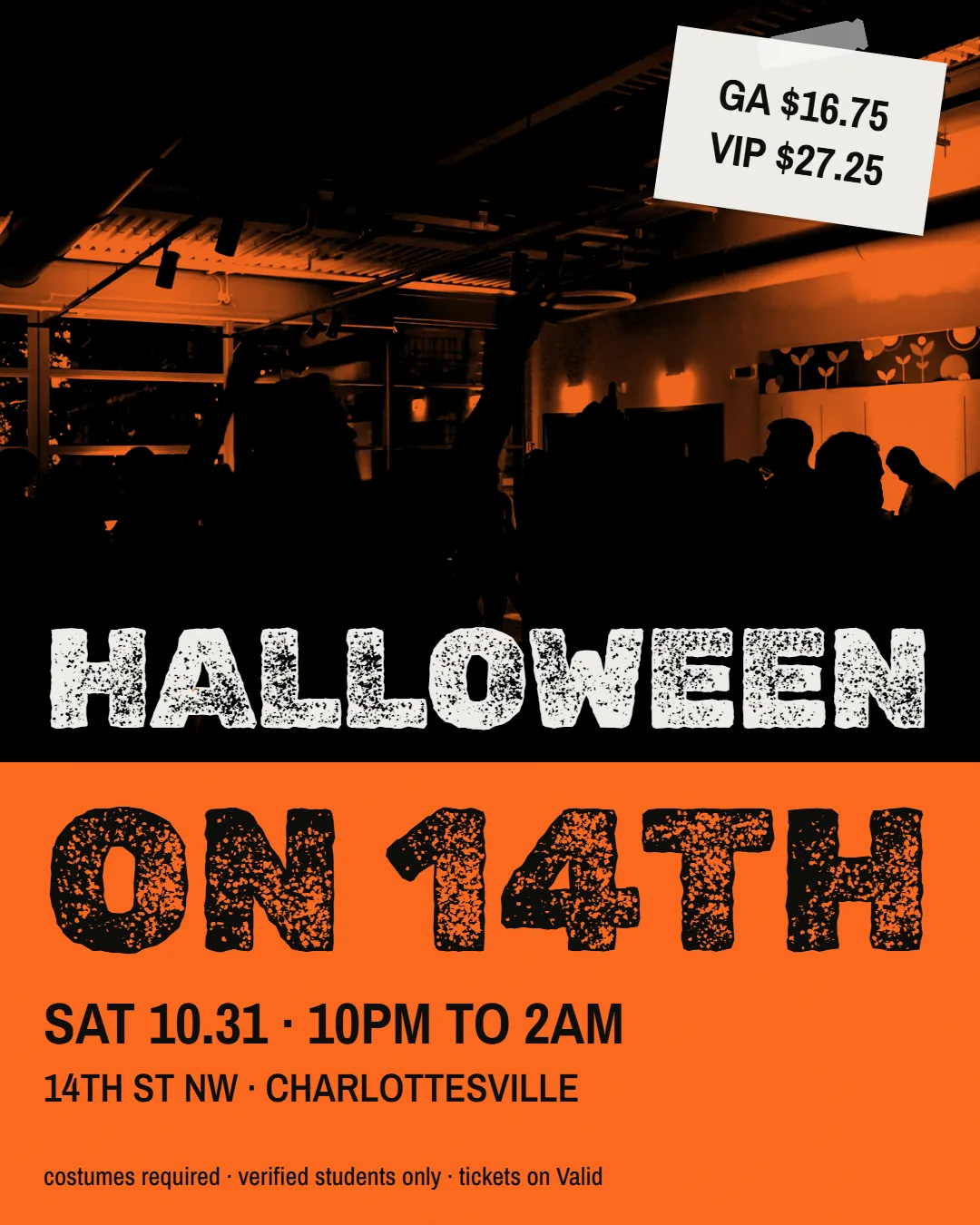
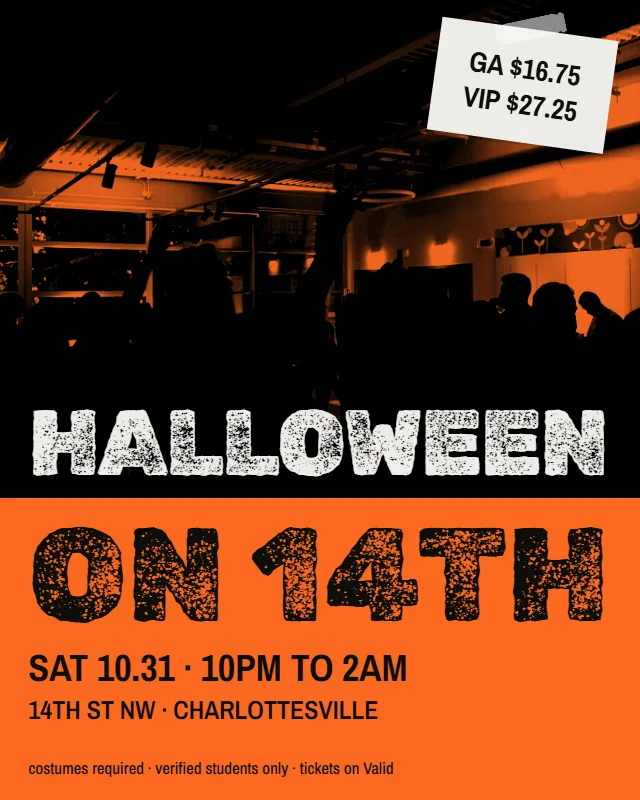
Someone drops the party link in your group chat. Tap it, and the party page opens in your browser with the flyer, the time, the place and the price.
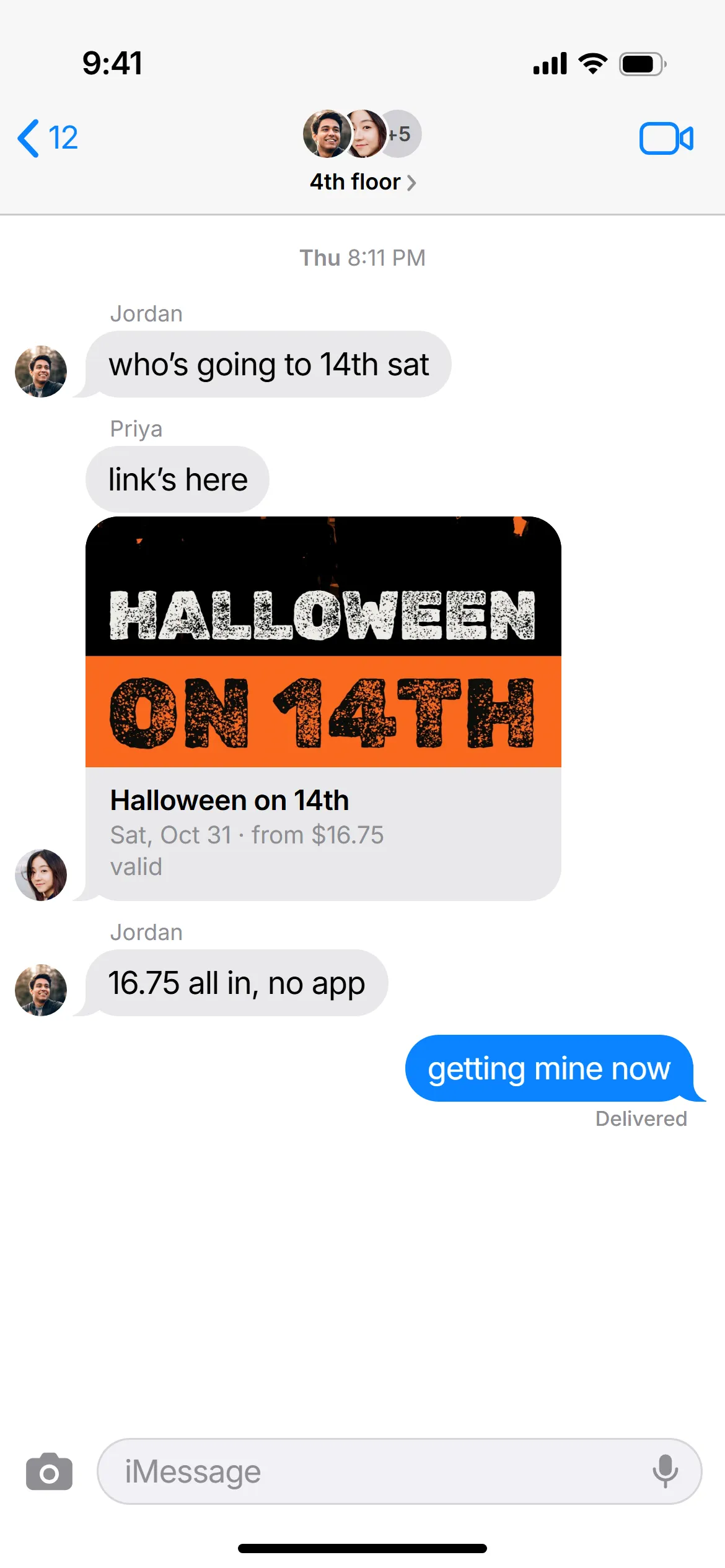
Pay with Apple Pay
The price on the party link is the price you pay. Fees are inside it, so nothing gets added at checkout.
First time only: verify your school email and take a photo.
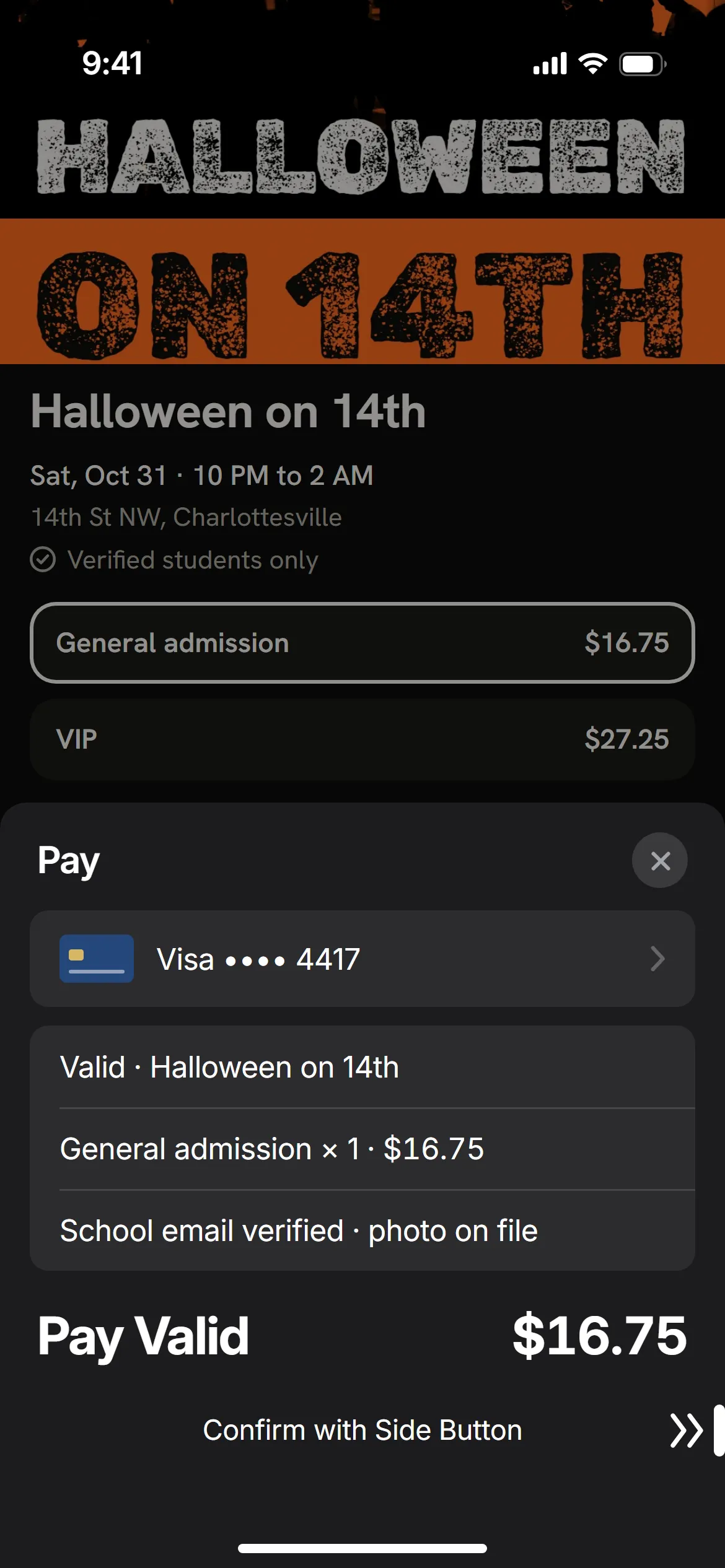
Your ticket lives in Apple Wallet
The code on your ticket changes every few seconds, so a screenshot or a forwarded copy won’t scan.
Get into the party chat
Every party has a party chat, and only ticket holders can join. Next to every name you see that person’s ticket: GA, VIP, Host or Door.
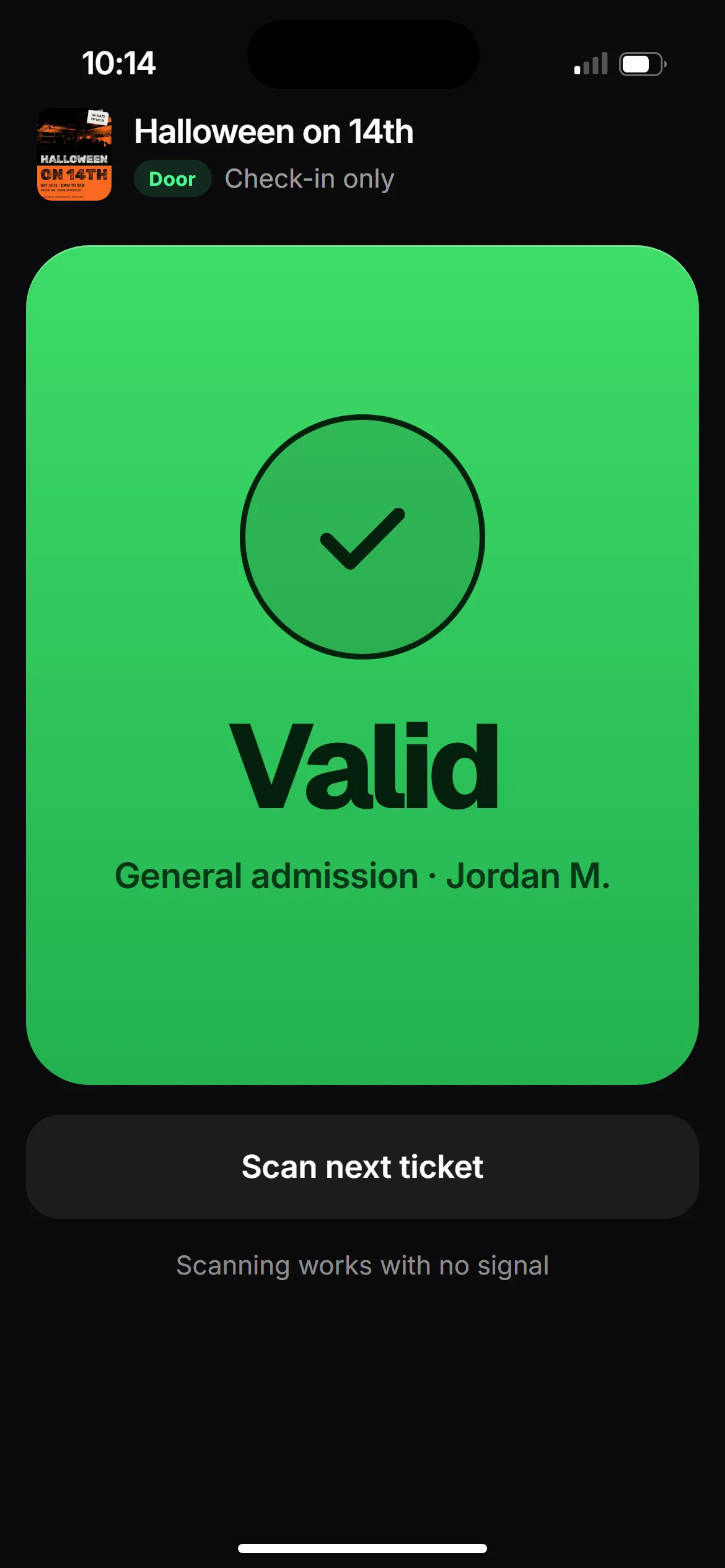
 Halloween on 14th
Show your code at the door
Door staff scan the code on your ticket, and you’re in.
Phone died?
Door staff find you by name and match your face to your verification photo.
Bringing a +1?
If the host allows a +1, you can buy one guest ticket. Your guest verifies too.
Money back if the party is canceled
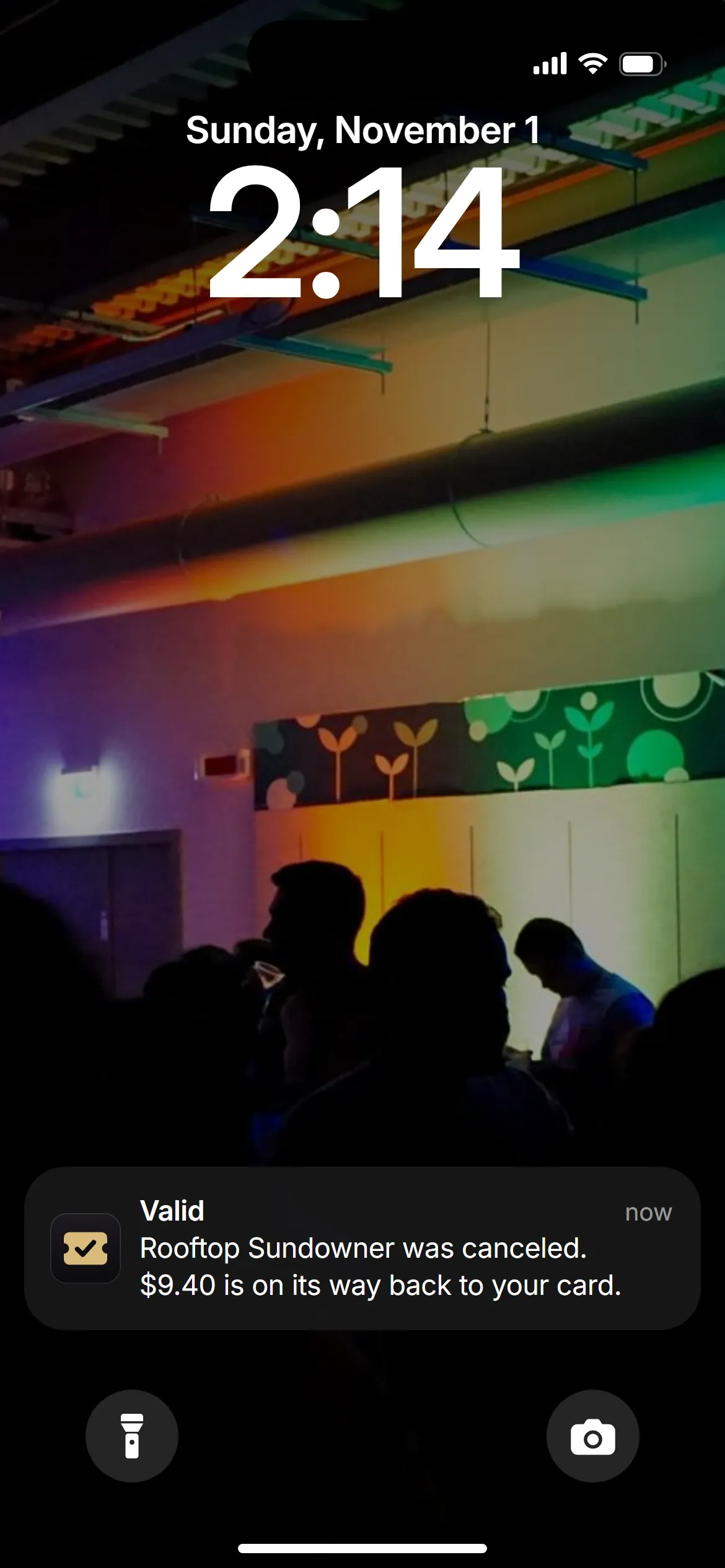
Valid holds your money until the party happens. If the host cancels, Valid sends it back to your card. You don’t have to ask.
Walk through the checkout
Open the Halloween on 14th example, choose a ticket and see how it looks in Apple Wallet, live code included.